
Create watchlist
Set up a new watchlist in Investor.
1. Access the Watchlists tab by selecting it from the Tools drop-down menu or in the left navigation.
2. Choose Create Watchlist to create your first watchlist, or to create a new watchlist.
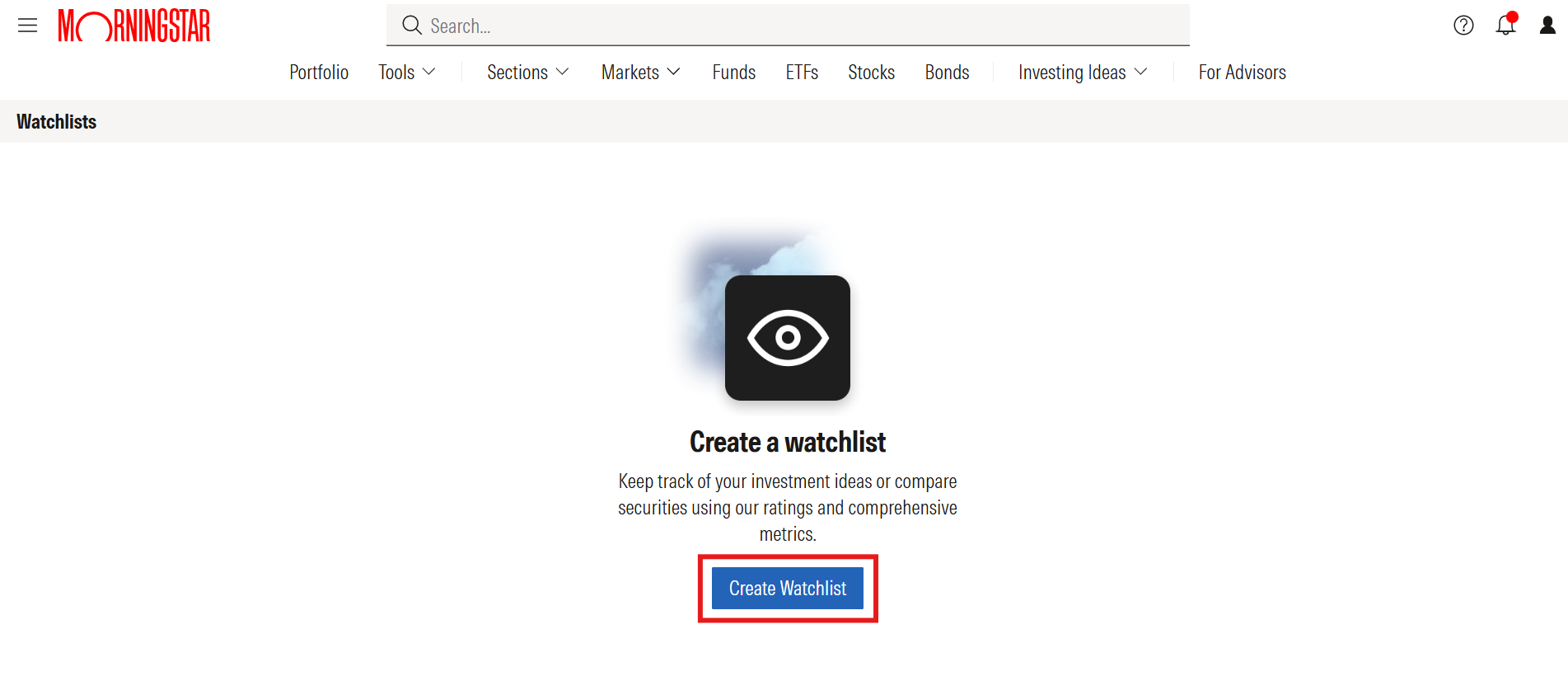
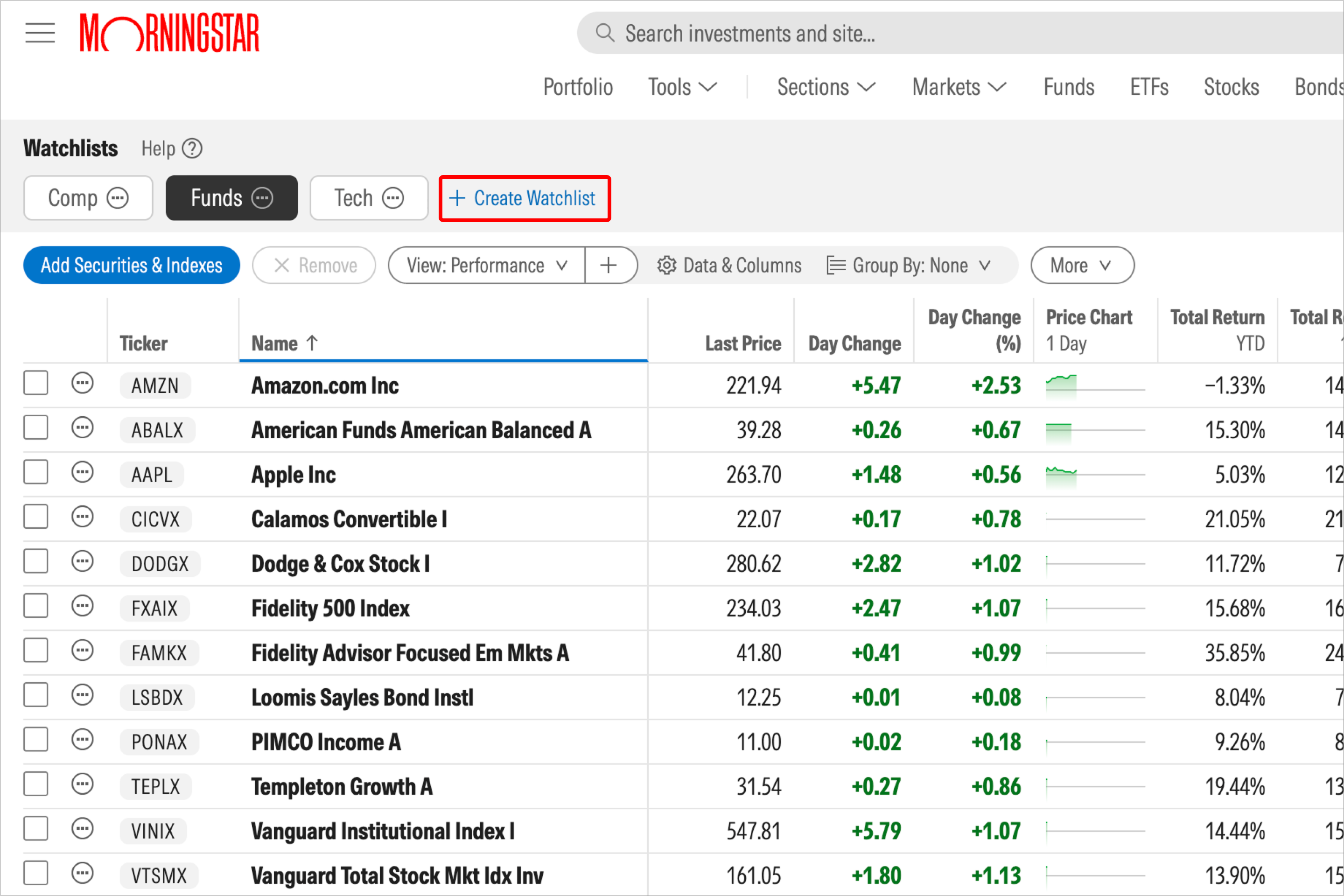
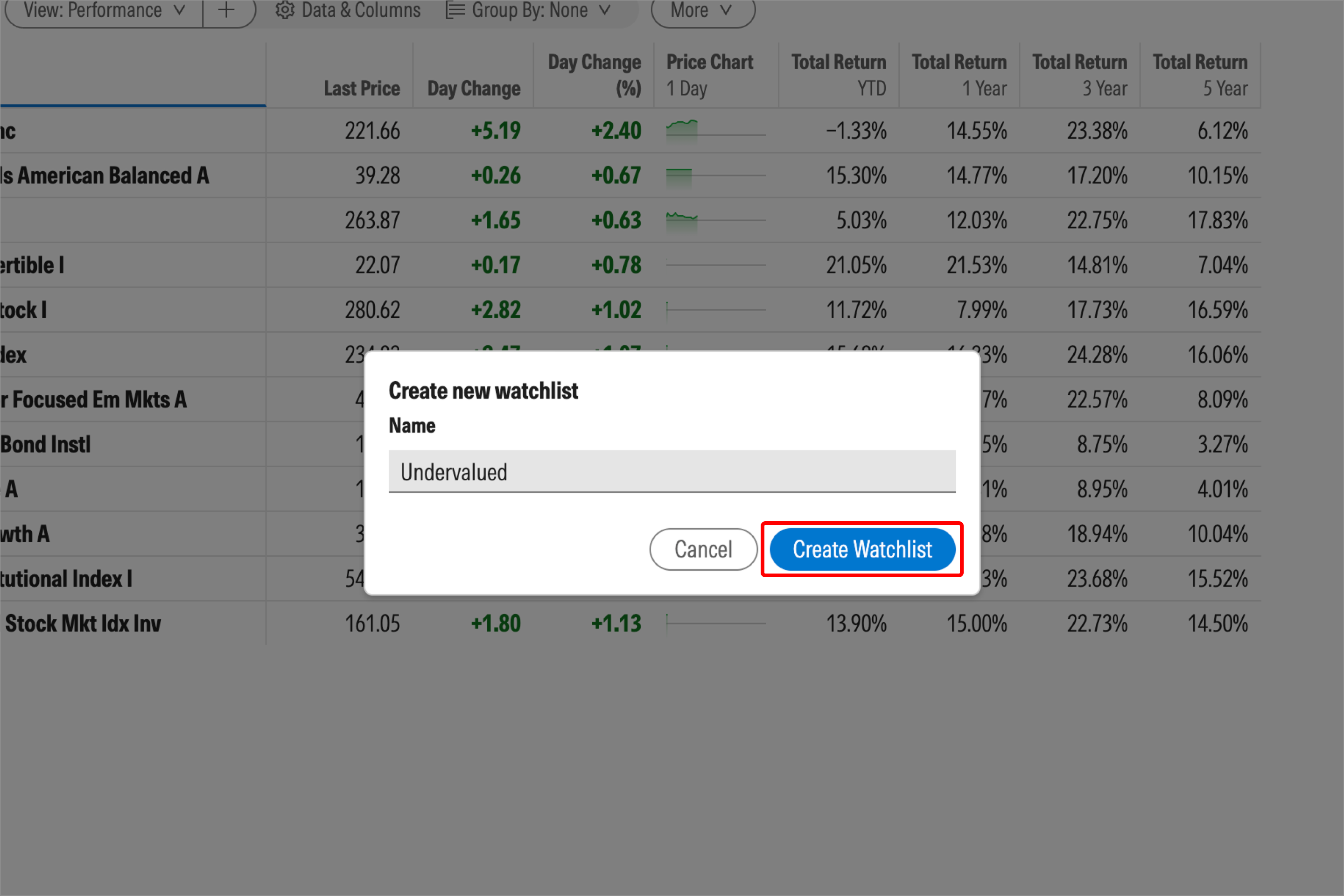
3. To finish making your watchlist, give it a name and click Create Watchlist. Then you’ll be ready to add investment ideas.

 United States