
Compare funds
Compare funds using these tips and tricks.
There are five ways to evaluate funds with Morningstar Investor: screening for securities, using the Compare tool, exploring the Comparables section of a security report, comparing within fund families, and reading fund analyst reports.
1. Screen for securities.
Use the Screener tool to filter securities by expense and performance data points, as well as with Morningstar-exclusive criteria such as Medalist and Star Ratings. You can manually select your data points or use one of our pre-populated views to help you get started.
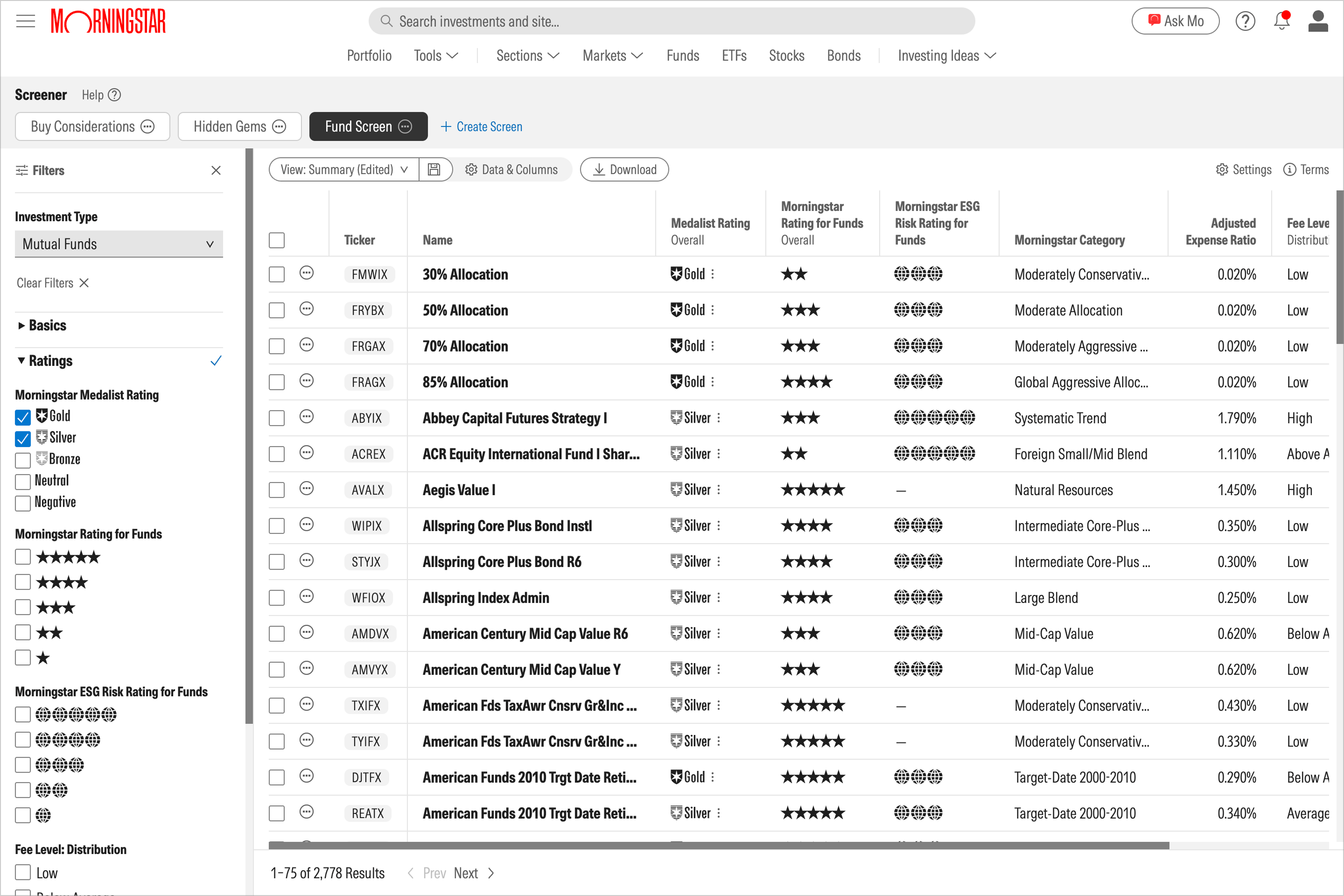
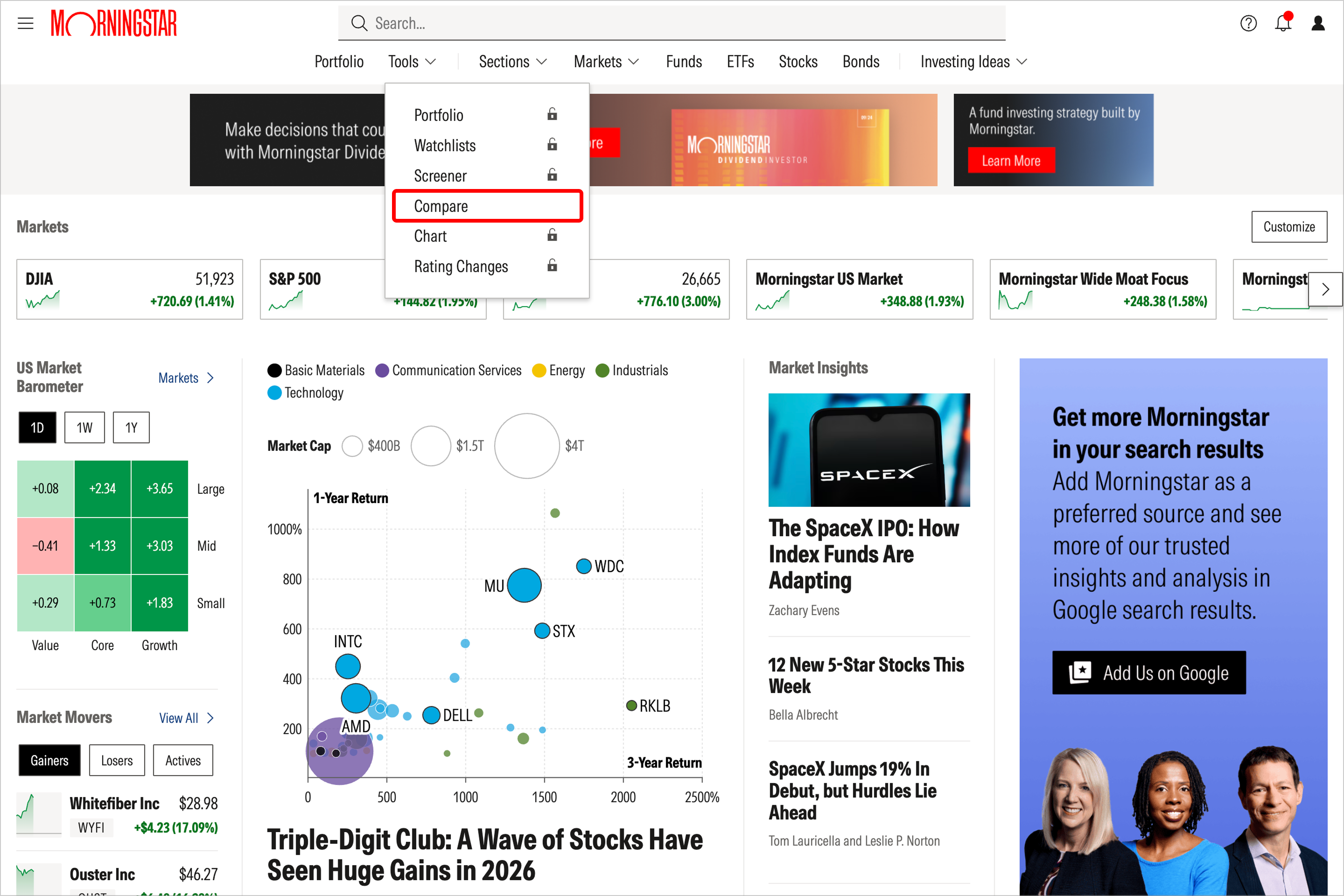
2. Add Mutual Funds and ETFs to the Compare tool.
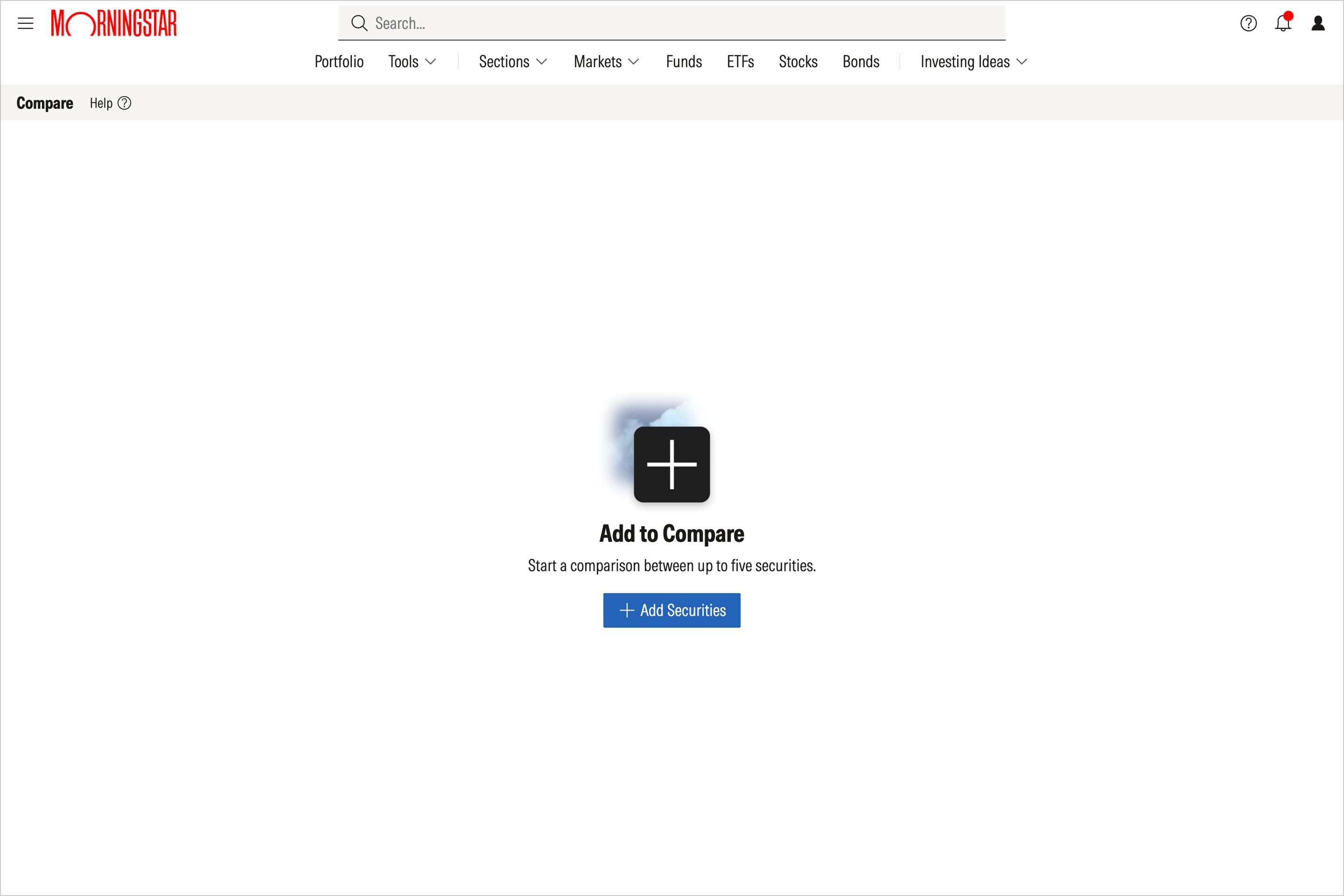
The Compare tool allows users to compare side by side to support quick, early-stage evaluation, using a fixed set of standardized data points and ratings. Visit Compare and select Add Securities, then search within the pop-up window to find the security you’re looking for. You can add the securities one at a time to compare a maximum of five securities.
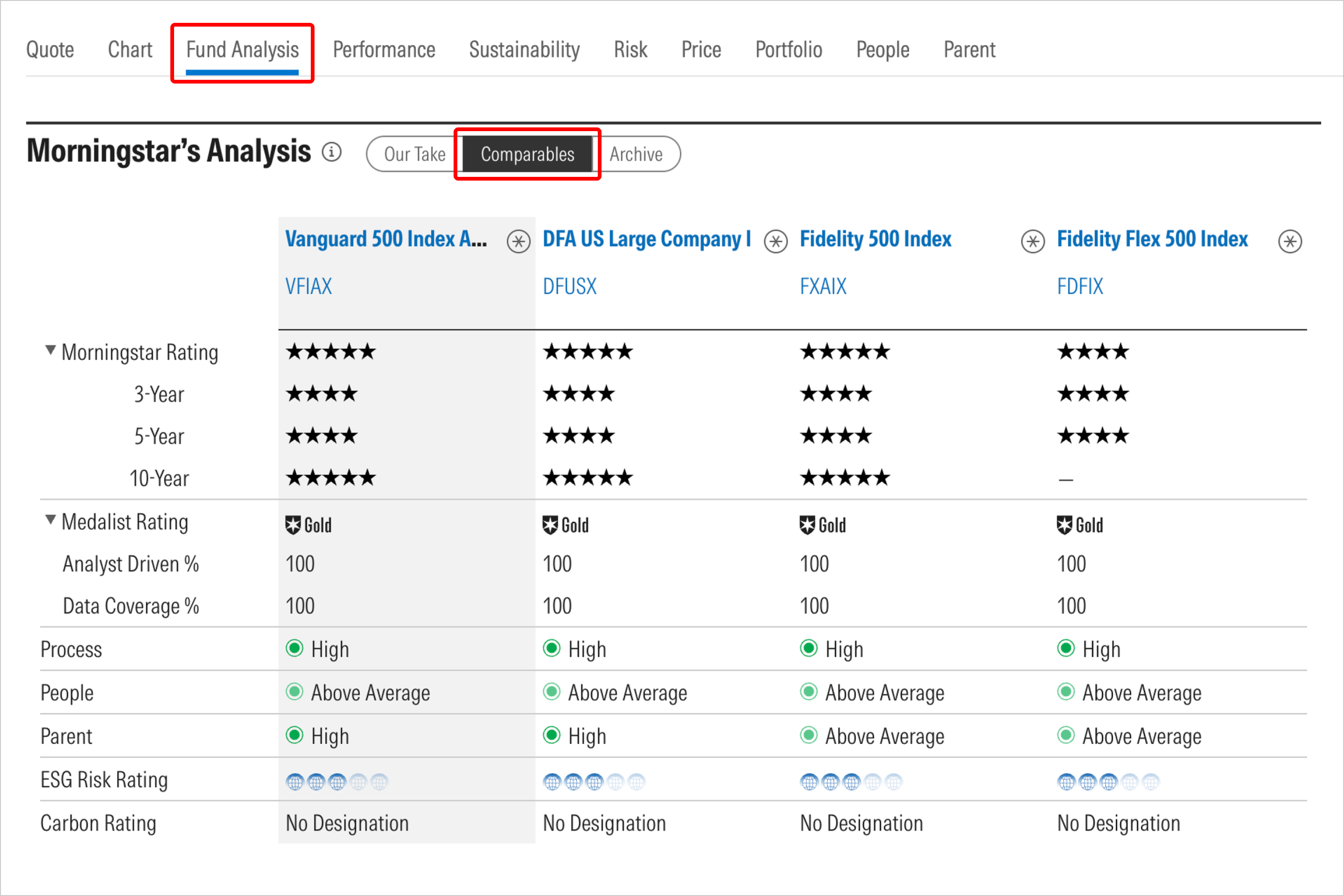
3. Explore the Comparables section of a security report.
When reviewing a fund report in Investor, scroll down to Morningstar’s Analysis and click on Comparables to see the Morningstar Rating, Medalist Rating, Sustainability Rating, and other important data points.
4. Compare within fund families.
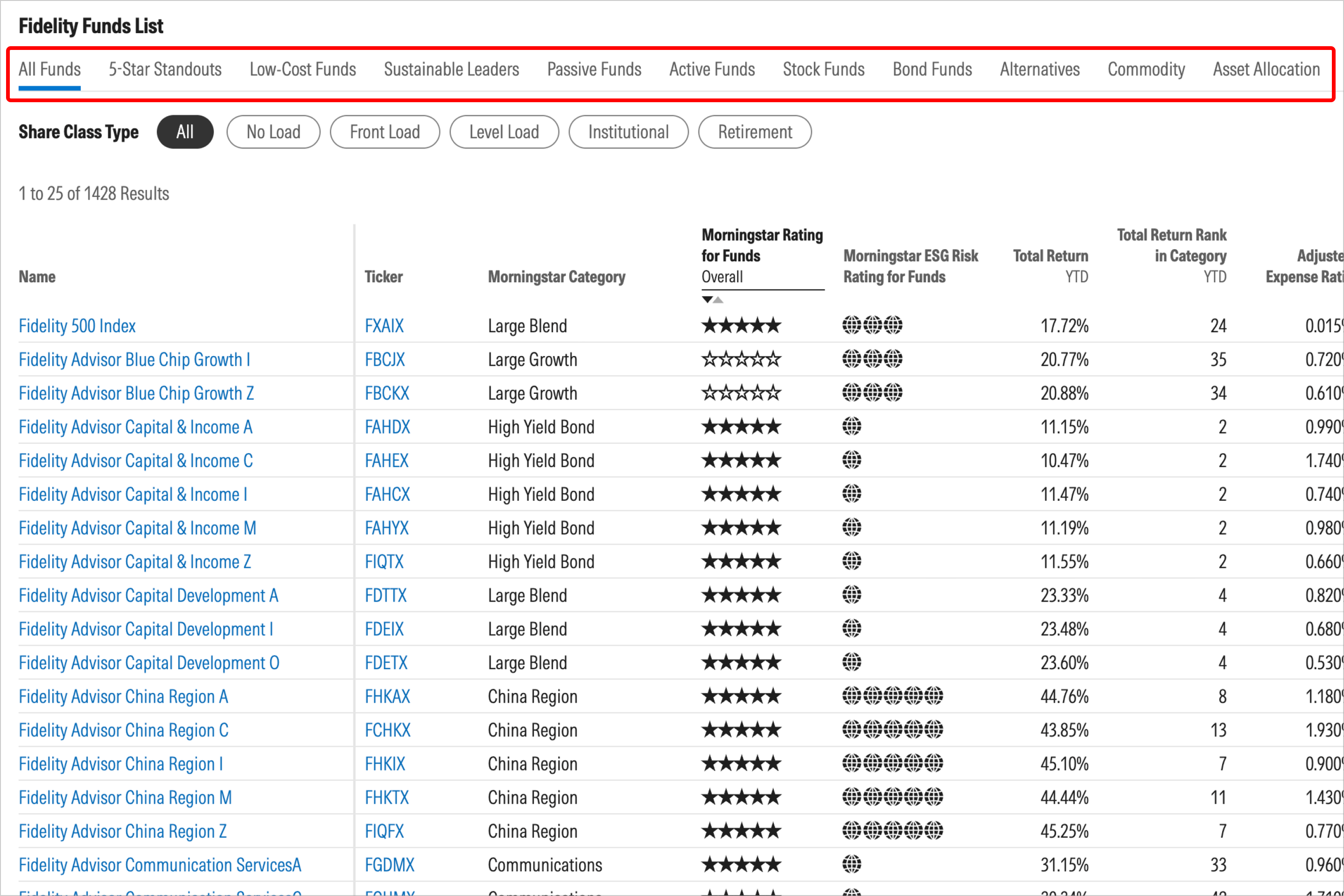
Use this directory of asset management companies and click on a firm that interests you. Then select the See All Funds link to view a complete list of holdings within the fund family.
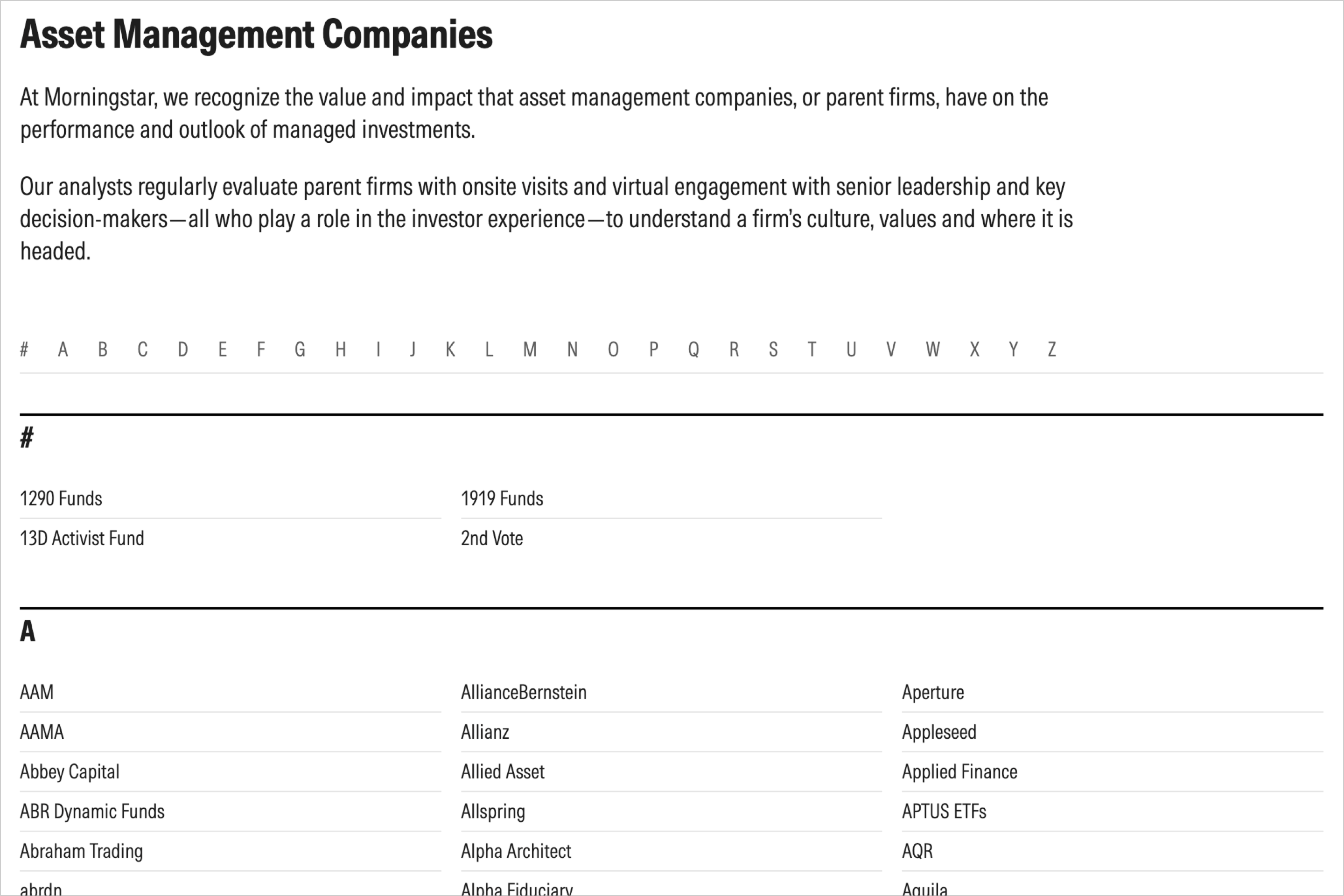
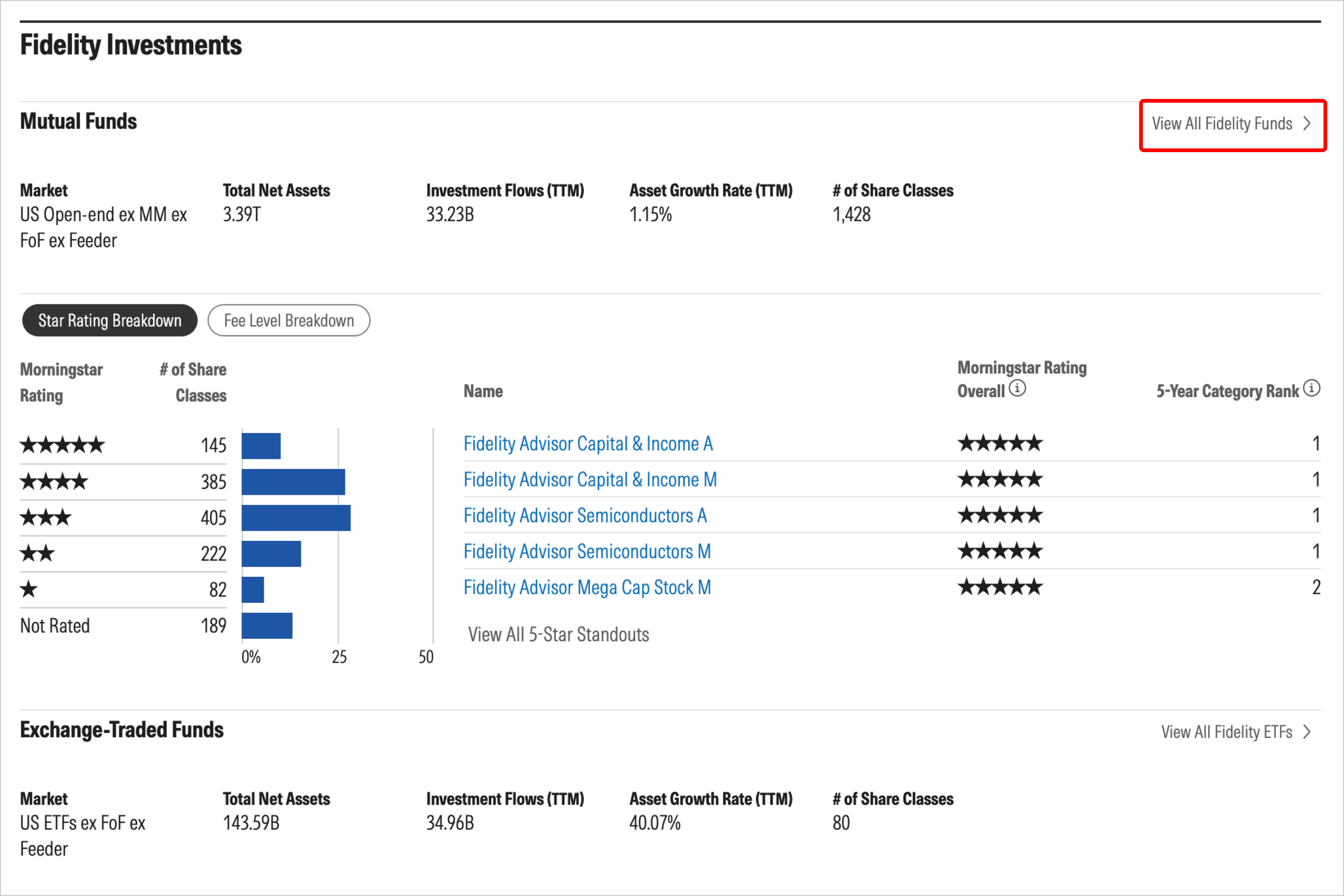
You can explore the funds with helpful tabs like 5-Star Standouts and Sustainable Leaders to gain a deeper understanding of the fund family’s strengths and weaknesses.
5. Read fund analyst reports.
Fund analyst reports let you review Morningstar’s thorough evaluation of an investment’s merits and drawbacks, including the most important or decisive factors behind its overall rating. You can also see how the fund performed vs. its category, using criteria such as quartile rank and percentile rank. Learn how to access and read fund analyst reports.


 United States